
Das ASAP Utilities-Menü in Excel (Deutsch (German))
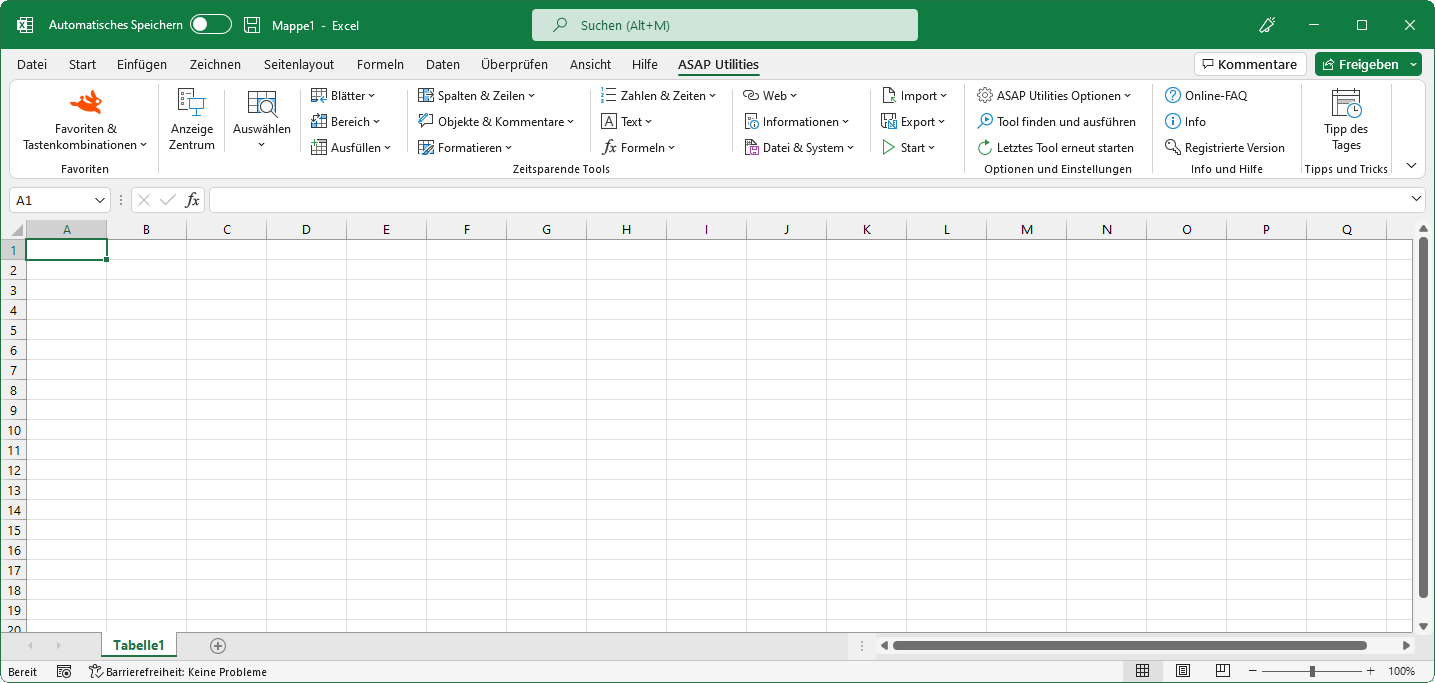
“Bereich” tools
English (us) ⁄ Nederlands ⁄ Deutsch ⁄ Español ⁄ Français ⁄ Português do Brasil ⁄ Italiano ⁄ Русский ⁄ 中文(简体) ⁄ 日本語Klicken Sie im Excel-Menü auf: ASAP Utilities › Bereich
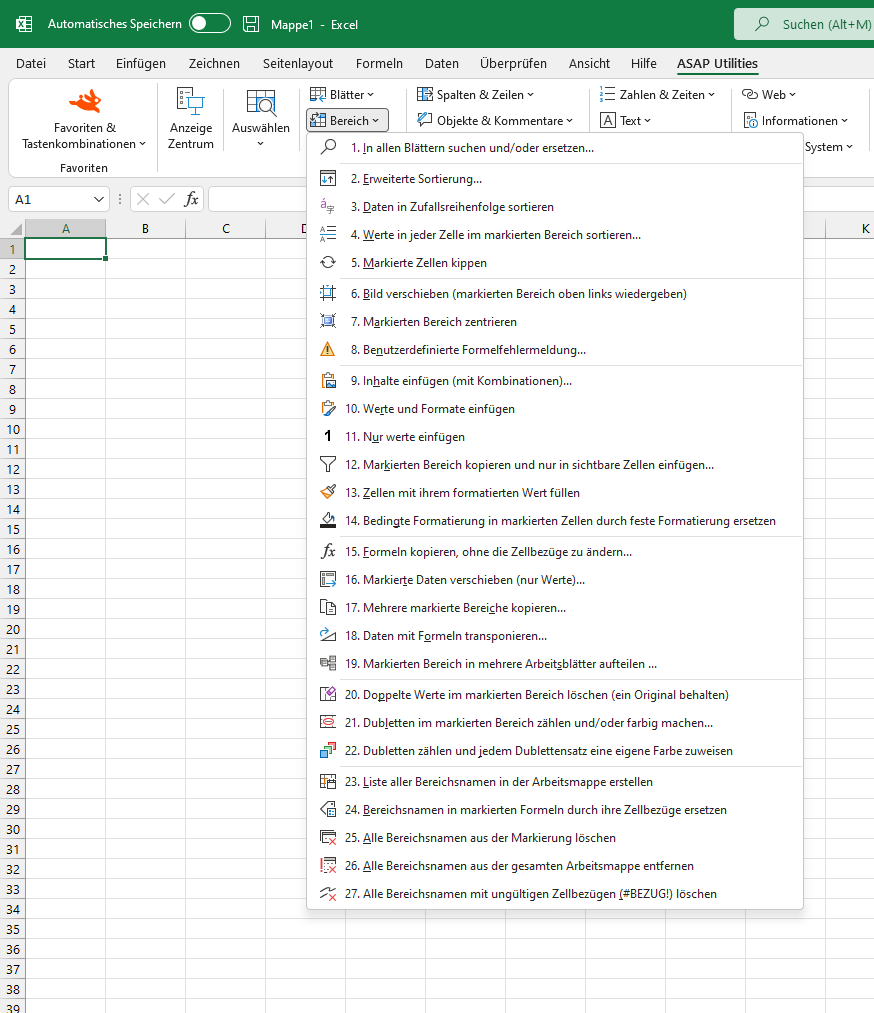
Eine Reihe von Tools für Bereiche.- In allen Blättern suchen und/oder ersetzen...
- Erweiterte Sortierung...
- Daten in Zufallsreihenfolge sortieren
- Werte in jeder Zelle im markierten Bereich sortieren...
- Markierte Zellen kippen
- Bild verschieben (markierten Bereich oben links wiedergeben)
- Markierten Bereich zentrieren
- Benutzerdefinierte Formelfehlermeldung...
- Inhalte einfügen (mit Kombinationen)...
- Werte und Formate einfügen
- Nur werte einfügen
- Markierten Bereich kopieren und nur in sichtbare Zellen einfügen...
- Zellen mit ihrem formatierten Wert füllen
- Bedingte Formatierung in markierten Zellen durch feste Formatierung ersetzen
- Formeln kopieren, ohne die Zellbezüge zu ändern...
- Markierte Daten verschieben (nur Werte)...
- Mehrere markierte Bereiche kopieren...
- Daten mit Formeln transponieren...
- Markierten Bereich in mehrere Arbeitsblätter aufteilen ...
- Doppelte Werte im markierten Bereich löschen (ein Original behalten)
- Dubletten im markierten Bereich zählen und/oder farbig machen...
- Dubletten zählen und jedem Dublettensatz eine eigene Farbe zuweisen
- Liste aller Bereichsnamen in der Arbeitsmappe erstellen
- Bereichsnamen in markierten Formeln durch ihre Zellbezüge ersetzen
- Alle Bereichsnamen aus der Markierung löschen
- Alle Bereichsnamen aus der gesamten Arbeitsmappe entfernen
- Alle Bereichsnamen mit ungültigen Zellbezügen (#BEZUG!) löschen
Submenu screenshot
Excel mit ASAP Utilities im Menü
« Zurück zur Liste mit Tools.
©1999-2024 ∙ ASAP Utilities ∙ A Must in Every Office BV ∙ The Netherlands
Empowering Excel Users Worldwide for 25 Years
Empowering Excel Users Worldwide for 25 Years