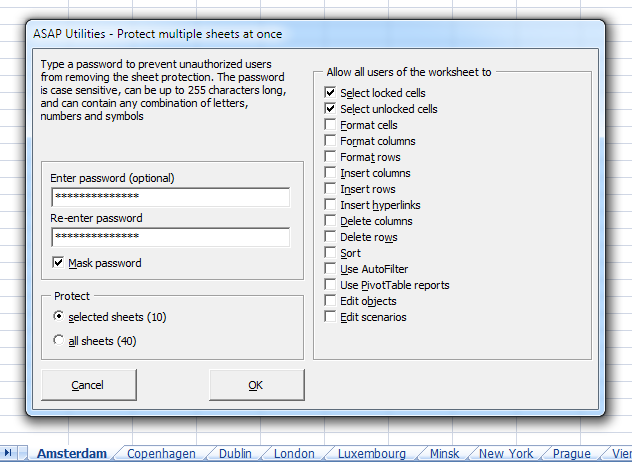
The built in method of Excel allows you to only protect one sheet at a time. If you want to protect multiple sheets in Excel you have to protect them one by one. This can take a long time if you have many sheets and even might result in accidentally forgetting one.
With this tool protecting your sheets is much easier en furthermore a lot faster:
ASAP Utilities » Sheets » Protect multiple sheets at once...