If you have columns with large amounts of repeating values sometimes it is easy to distinguish them be seperating them with a line or empty row.
Last week Peter asked me:
I just found your utility download for excel on the web. It is great. I'm trying to combine a couple of the utilities into a single macro but can't seem to do it.
What I want to do is select cells in a column that have the same value. You have that utility. Then I want to insert a blank row after the last cell that was selected. Are there two utilities I can use to create a macro? Then, I would have it go through 15-20 iterations. Basically it should search for the next cell down that doesn't match the one above and insert a row below. It's probably easy but I have been having a heck of a time figuring it out or finding the utility on the web.
Can you point me in the right direction?
Insert empty rows between data-sets
If you want to insert empty rows between data-sets you can use:
ASAP Utilities » Format » The Smart Difference
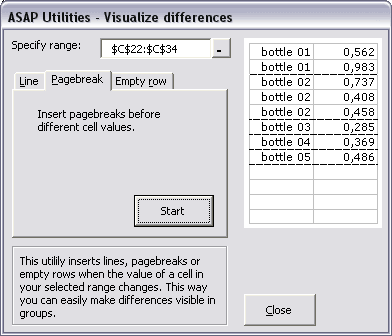
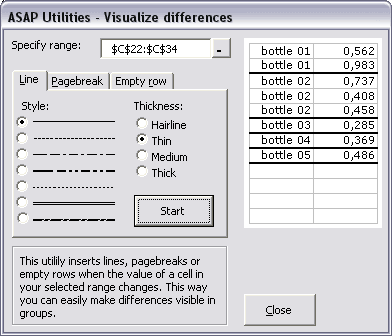
Then you can specify whether to insert a line, empty row or pagebreak between the sets:
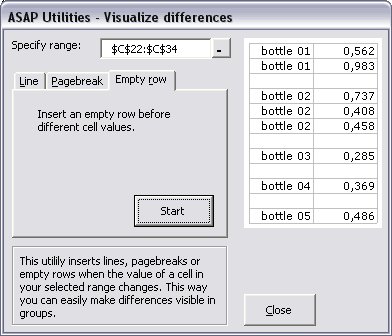
Insert a line between the data-sets:
Insert a pagebreak between the data-sets