


Copy Full File Path of Workbook to Clipboard
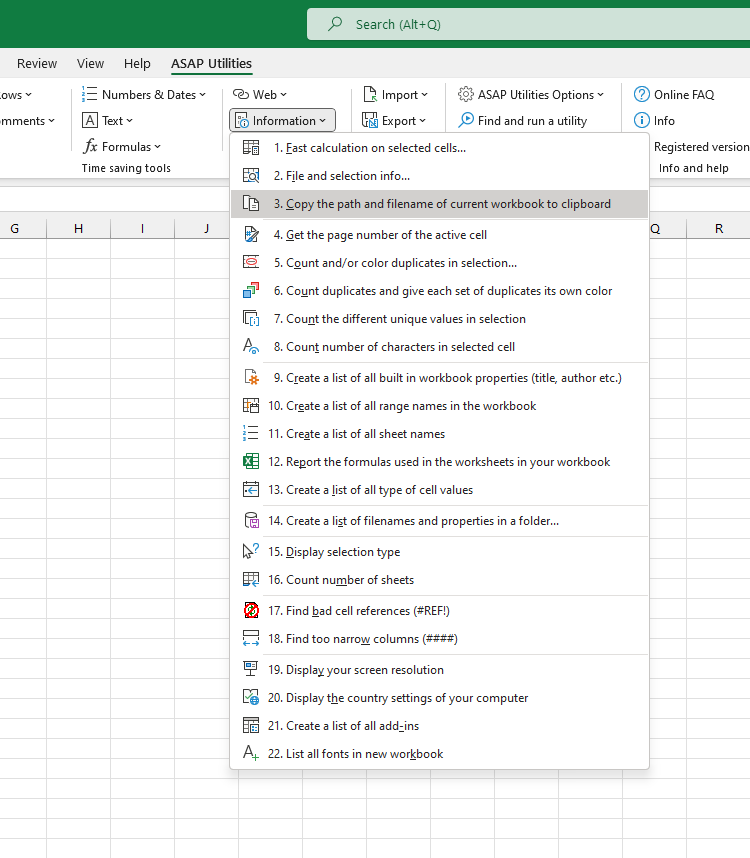
This tool copies the full path and file name of your current workbook to the clipboard so you can easily paste it into another application.
It's useful when you want to share the file location with a colleague in an email or chat, or when documenting where a file is stored.
Note:
Unlike Excel's built-in File > Info > Copy path feature (available only in recent versions), this tool works in all Excel versions.
Starting this tool
Specify a Keyboard Shortcut: ASAP Utilities › My Tools & Shortcuts › Manage My Tools & Shortcuts...
Additional search terms to help you find this tool:
copy file path Excel, Excel copy full path, file path to clipboard, get workbook path, Excel file path and name, copy Excel file location, share Excel file path, Excel full filename, copy workbook name and path, Excel path for email, get current file path Excel
Tip:Alt+P for the previous tool.
Tip: Alt+N for the next tool.

Save Time in Excel. The Easy Way.
ASAP Utilities helps you save time and do what Excel alone can't.
You can get started right away. No training needed.
Most users start with a few tools. Many end up using ASAP Utilities daily.
Used by teams in 28,500+ organizations.
Get Started with ASAP Utilities 9
Start saving time in Excel with practical tools you can use right away.
-
No sign-up required.
-
-
Free 90-day trial