


Start Last Tool Again
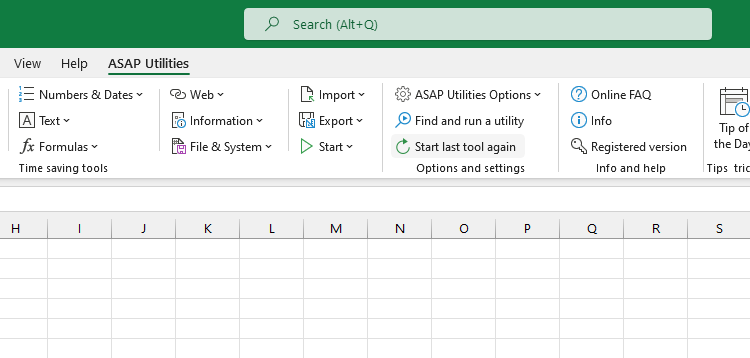
This tool starts the last tool you used from ASAP Utilities again.
It lets you quickly repeat the same task without searching for the tool in the menu.
This is especially helpful when applying the same tool to different selections, sheets, or workbooks. It saves time and speeds up your workflow.
By default, you can launch it with the shortcut Control+Alt+J.
Starting this tool
Click › Start Last Tool Again
Specify a Keyboard Shortcut: ASAP Utilities › My Tools & Shortcuts › Manage My Tools & Shortcuts...
Additional search terms to help you find this tool:
repeat last tool, start last tool again, rerun last tool, repeat previous action, last used tool, repeat utility, run same tool again, quick repeat tool, reapply tool, repeat task
Tip:Alt+P for the previous tool.
Tip: Alt+N for the next tool.
Get Started with ASAP Utilities 9
Start saving time in Excel with practical tools you can use right away.
-
No sign-up required.
-
-
Free 90-day trial