


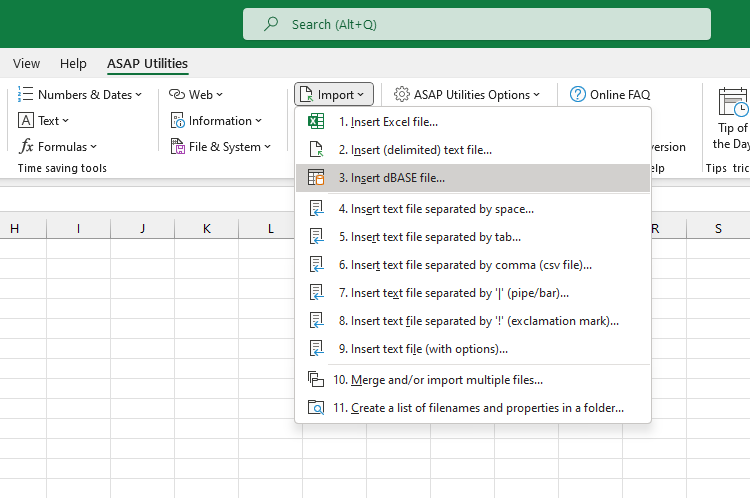
Import Data from dBASE (.dbf) File...
This tool imports the contents of a dBASE (.dbf) file into your current worksheet, starting at the active cell.
It reads the full table from the selected file and inserts the data as plain values, including the column headers.
This is useful when you want to:
- Open and work with legacy dBASE files in Excel
- Analyze or convert data from older database systems
- Reuse .dbf exports for reporting, calculations, or cleanup tasks
Starting this tool
Specify a Keyboard Shortcut: ASAP Utilities › My Tools & Shortcuts › Manage My Tools & Shortcuts...
Additional search terms to help you find this tool:
dbf import, import dBASE file, dBASE to Excel, open dbf in Excel, dbf to worksheet, dbf file converter, legacy database import, convert dbf to Excel, read dbf file, insert dbf into worksheet
Tip:Alt+P for the previous tool.
Tip: Alt+N for the next tool.
Get Started with ASAP Utilities 9
Start saving time in Excel with practical tools you can use right away.
-
No sign-up required.
-
-
Free 90-day trial