


See How Much Time and Money You Saved with ASAP Utilities
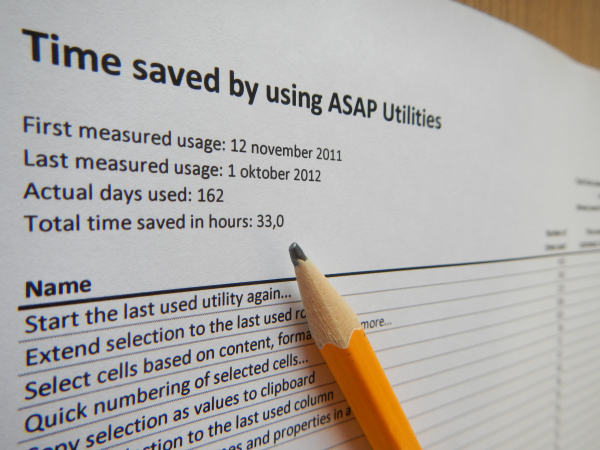
This tool creates a report in a new workbook that shows a conservative estimate of how much time and money you've saved by using ASAP Utilities.
The report includes:
- Which tools you used
- How often each tool was used
- An estimate of the total time saved
Only tools that were fully completed are included in the report (tools that were canceled or closed early are not counted).
You can enter your hourly rate to calculate how much money you've saved.
This report is helpful for reviewing your usage, demonstrating your return on investment (ROI), or sharing your most-used tools with others at work or in your network.
Starting this tool
Specify a Keyboard Shortcut: ASAP Utilities › My Tools & Shortcuts › Manage My Tools & Shortcuts...
Additional search terms to help you find this tool:
time saved report, usage report, productivity report, return on investment, ROI report, tool usage summary, how many times used, hourly rate savings, report of used tools, show most-used tools, cost-saving report, share usage report, measure productivity
Tip:Alt+P for the previous tool.
Tip: Alt+N for the next tool.

Save Time in Excel. The Easy Way.
ASAP Utilities helps you save time and do what Excel alone can't.
You can get started right away. No training needed.
Most users start with a few tools. Many end up using ASAP Utilities daily.
Used by teams in 28,500+ organizations.
Get Started with ASAP Utilities 9
Start saving time in Excel with practical tools you can use right away.
-
No sign-up required.
-
-
Free 90-day trial