


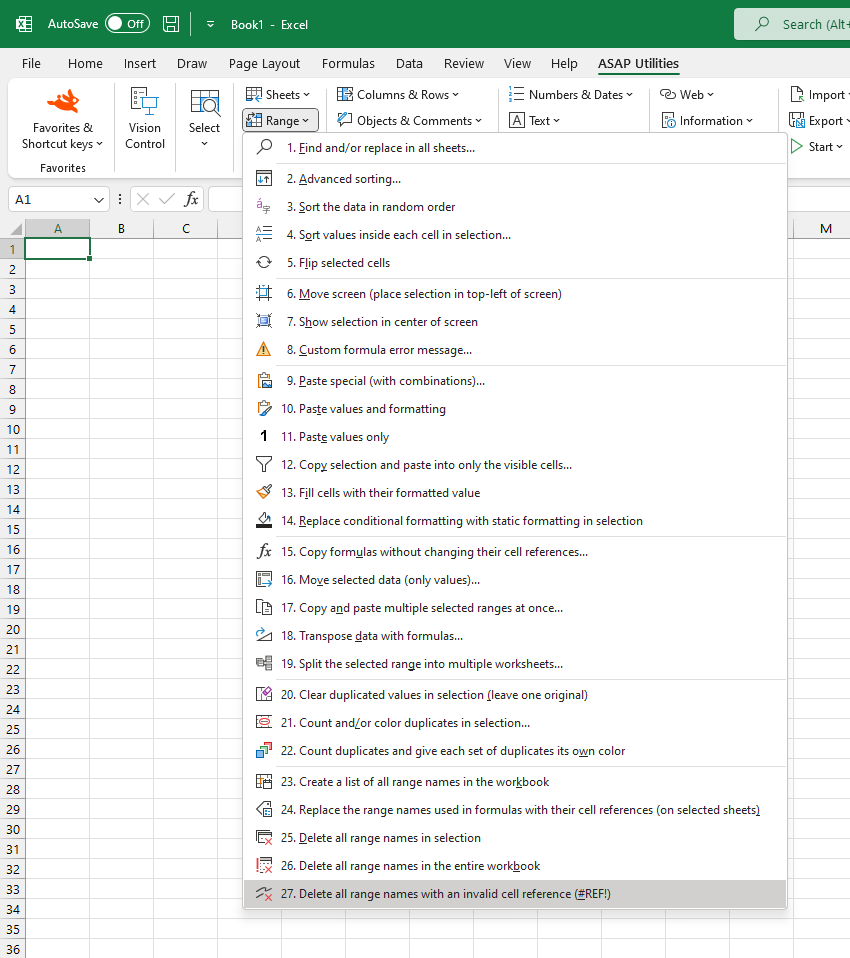
Delete Named Ranges with Invalid Cell References (#REF!)
This tool deletes all named ranges in your workbook with invalid cell references (#REF!).
Such broken references often occur when the referenced cells, rows, or worksheets have been deleted or renamed.
After the cleanup, a summary report, created in a new workbook, lists all the named ranges that were deleted.
Note:
Only the invalid names are removed. Your actual cell data and formulas remain unchanged.
Starting this tool
Specify a Keyboard Shortcut: ASAP Utilities › My Tools & Shortcuts › Manage My Tools & Shortcuts...
Additional search terms to help you find this tool:
delete invalid named ranges, remove broken named ranges, #REF! error, Excel name manager cleanup, Excel remove invalid names, delete broken references, invalid name definition, Excel cleanup name manager, remove bad named range, fix #REF! in names, name manager #REF! error, delete name reference error, remove #REF! from name manager, named range points to deleted cell
Tip:Alt+P for the previous tool.
Tip: Alt+N for the next tool.
Get Started with ASAP Utilities 9
Start saving time in Excel with practical tools you can use right away.
-
No sign-up required.
-
-
Free 90-day trial