


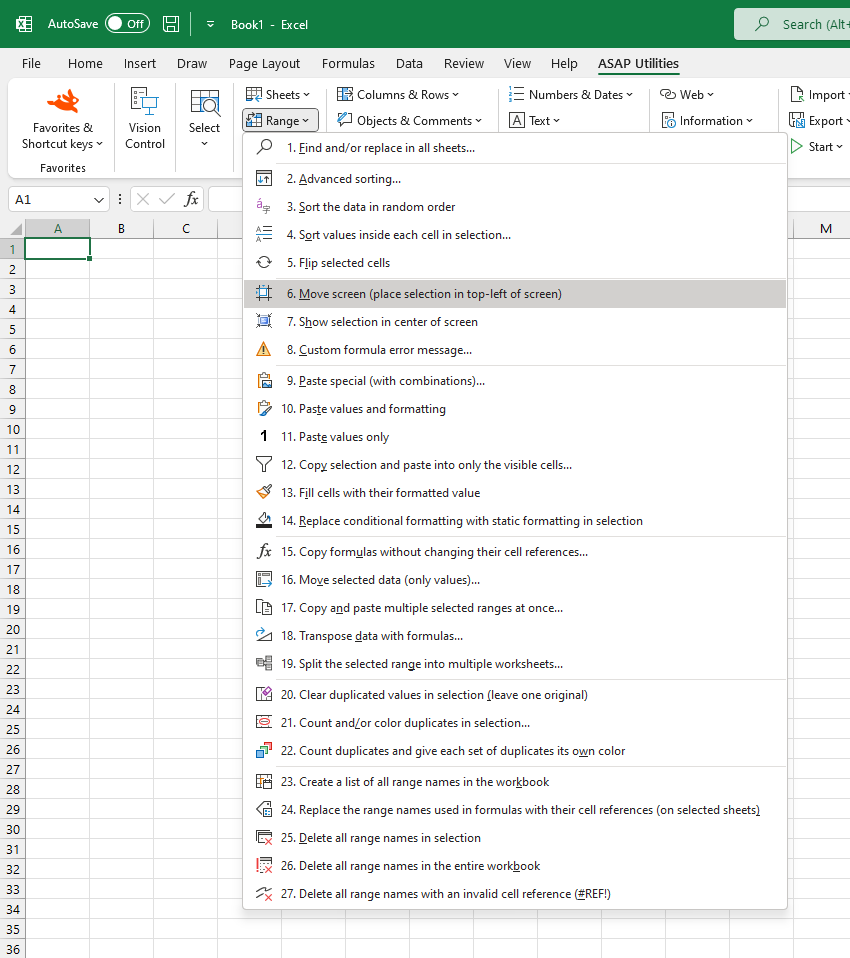
Scroll to Selection (Align to Top-Left)
Instantly adjust your worksheet view so that the selected range appears in the top-left corner of the screen.
This helps you quickly focus on the relevant data without manually scrolling.
Starting this tool
Specify a Keyboard Shortcut: ASAP Utilities › My Tools & Shortcuts › Manage My Tools & Shortcuts...
Additional search terms to help you find this tool:
Bring selection into view, View selected range easily, Move selection to top-left, Adjust screen view, Scroll worksheet to selection, Auto-scroll to selection, Keep selection in view, Move screen to selection, Set focus on selection, Jump to selection in Excel, Excel viewport adjustment
Tip:Alt+P for the previous tool.
Tip: Alt+N for the next tool.
Get Started with ASAP Utilities 9
Start saving time in Excel with practical tools you can use right away.
-
No sign-up required.
-
-
Free 90-day trial