


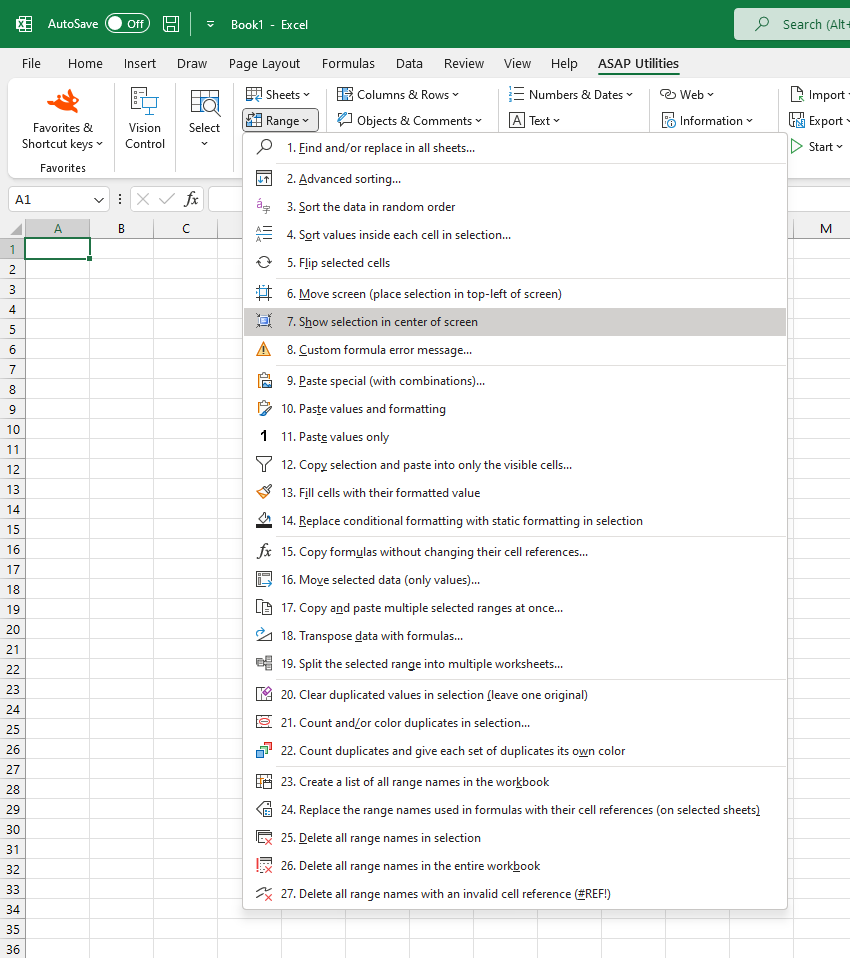
Scroll to Selection (Align in Center)
Instantly adjust your worksheet view so that the selected range appears in the center of the screen.
This helps you quickly focus on the relevant data without manually scrolling.
Starting this tool
Specify a Keyboard Shortcut: ASAP Utilities › My Tools & Shortcuts › Manage My Tools & Shortcuts...
Additional search terms to help you find this tool:
Display selection in center, Focus on selected range, Bring selection into view, Show selected cell in center, Excel auto-scroll to selection, Navigate to selection, Excel scroll to focus area, Excel view alignment, Center worksheet view, Show cell in middle of screen, Scroll selected range into view
Tip:Alt+P for the previous tool.
Tip: Alt+N for the next tool.
Get Started with ASAP Utilities 9
Start saving time in Excel with practical tools you can use right away.
-
No sign-up required.
-
-
Free 90-day trial