


Delete All Defined Range Names in Workbook
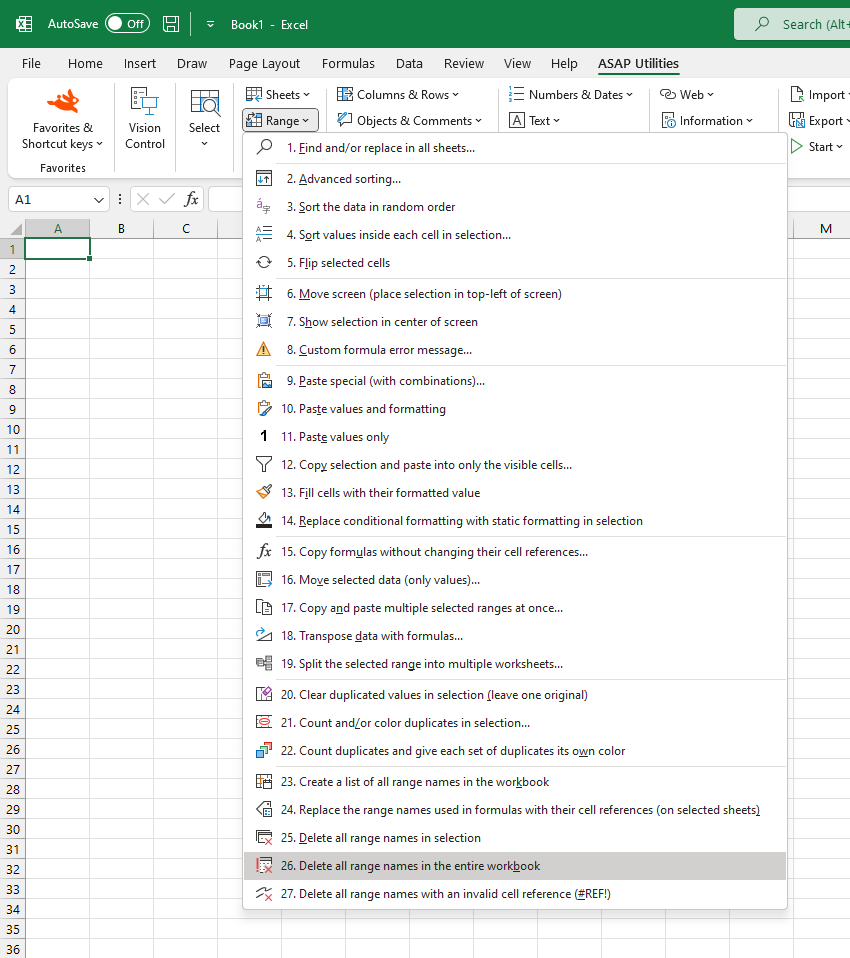
This tool removes all defined range names across your entire workbook, helping you clean up your workbook by deleting unwanted or unused range names.
Note:
If a range name in your workbook is used in a formula, removing it will cause that formula to return an error when the referenced name no longer exists.
Starting this tool
Specify a Keyboard Shortcut: ASAP Utilities › My Tools & Shortcuts › Manage My Tools & Shortcuts...
Additional search terms to help you find this tool:
Remove range names in entire workbook, Clear all named ranges in Excel, Remove workbook defined names, Clear defined names, Delete named ranges across workbook, Reset defined names on all sheets, Clear workbook range names
Tip:Alt+P for the previous tool.
Tip: Alt+N for the next tool.
Get Started with ASAP Utilities 9
Start saving time in Excel with practical tools you can use right away.
-
No sign-up required.
-
-
Free 90-day trial