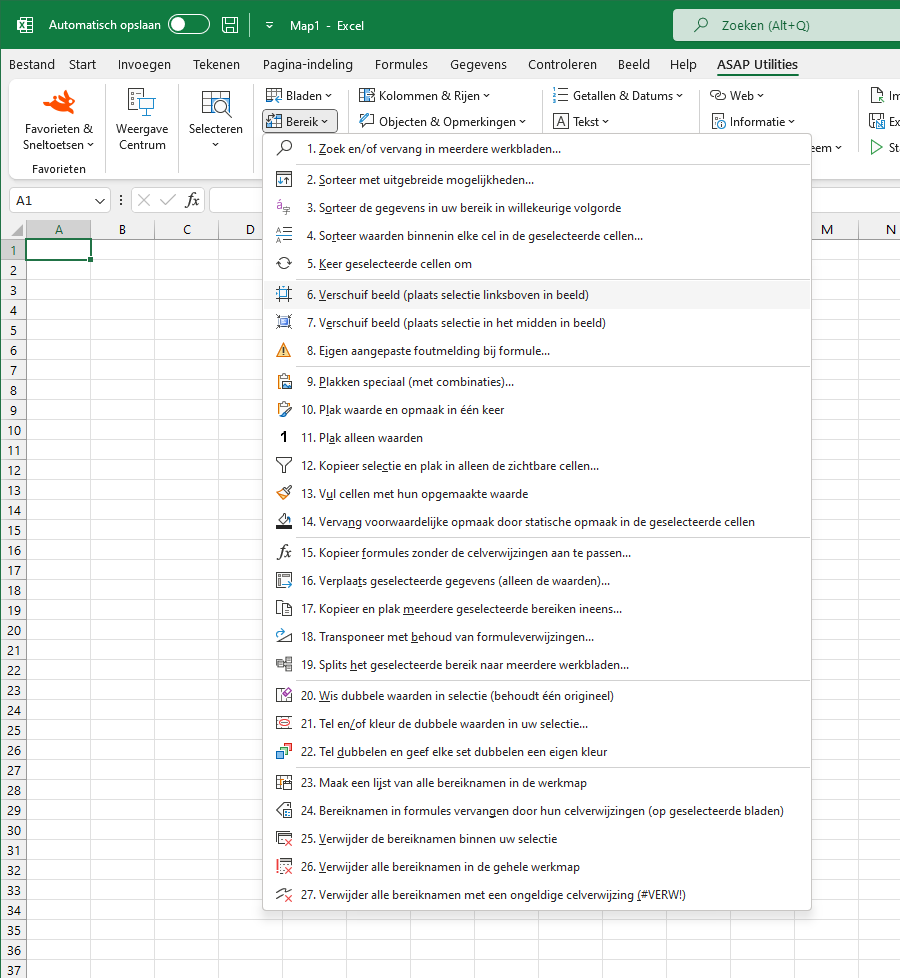
Tip van de dag | donderdag 8 januari 2026Ontdek nieuwe tools om mee aan de slag te gaan.![]() Invoegen pad van huidige werkmap in cel, kop of voettekst...Deze tool maakt het mogelijk om de map en bestandsnaam van uw werkmap in uw koptekst, voettekst of geselecteerde cellen te zetten. U kunt de volgende informatie in de geselecteerde cellen invoegen:Deze informatie wordt automatisch bijgewerkt indien de naam of locatie van uw bestand wijzigt. Of u kunt het volledige pad en de bestandsnaam huidig bestand invoegen in: Het pad en de bestandsnaam in de kop- of voettekst worden automatisch bijgewerkt indien de naam of locatie van uw bestand wijzigt. Screenshots![]() Deze tool starten
![]() Kies hieronder uw taalvoorkeurEnglish (us) ⁄ Nederlands ⁄ Deutsch ⁄ Español ⁄ Français ⁄ Português do Brasil ⁄ Italiano ⁄ Русский ⁄ 中文(简体) ⁄ 日本語 | ||
|
Home
Privacy Policy
Cookie Policy
EULA
Download
All added Excel tools
Sitemap
Contact Us
©1999-2026 ∙ ASAP Utilities ∙ A Must in Every Office BV ∙ The Netherlands
🏆 Winner of the "Best Microsoft Excel Add-in" Award at the Global Excel Summit 2025 in London! For over 26 years, ASAP Utilities has helped users worldwide save time and do what Excel alone cannot. |