


此页面目前仅提供英文版本。
Version 7.0 - May 30, 2016
February 17, 2016
Finished
The past year we have worked hard, encouraged by several of our clients, on further improving ASAP Utilities and also supporting the 64-bit editions of Excel. After several months of both internal and public testing it's now officially released.
On May 30, 2016 the new version 7.0 is released. Download
Supported Excel versions
ASAP Utilities 7.0 works with:
- Excel 2016 (both 32- and 64-bit version)
- Excel 2013 (both 32- and 64-bit version)
- Excel 2010 (both 32- and 64-bit version)
- Excel 365 (both 32- and 64-bit version)
- Excel 2007
- Excel 2003
- Excel 2002/XP
- Excel 2000
Free upgrade if you purchased version 5.x
If you purchased a license for version 5.x, then you get version 7.x free of charge. You can use the same license details.
If you purchased a license in 2012 or earlier, then please contact us for a discount to upgrade to version 7.
New and improved
Added support for 64-bits Excel
ASAP Utilities is now also optimized for and works with the 64-bit editions of Excel 2010, Excel 2013 and Excel 2016.
More languages to choose from
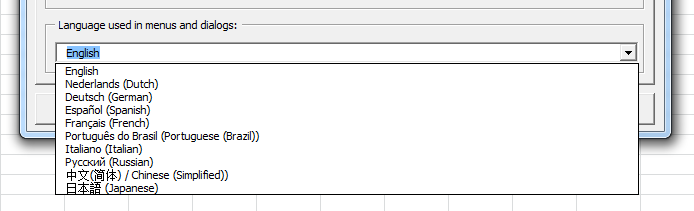
To help users whose native language is not English, we've added 5 new languages. You can now choose from 10 languages for the ASAP Utilities user interface.
 These 5 new languages for the user interface have been added:
- Chinese (Simplified) / 中文(简体)
- Russian / Русский
- Portuguese (Brazil) / Português do Brasil
- Italian / Italiano
- Japanese / 日本語)
Chinese (Simplified) / 中文(简体)
All the tools are now also available in the Chinese language (中文(简体)).
If you have the Chinese version of Excel, then on a new installation ASAP Utilities starts in Chinese
You can also change the language in the options dialogue:
ASAP Utilities » ASAP Utilities Options » ASAP Utilities options and settings...
ASAP Utilities » ASAP Utilities 选项 » 设置、语言和联系信息...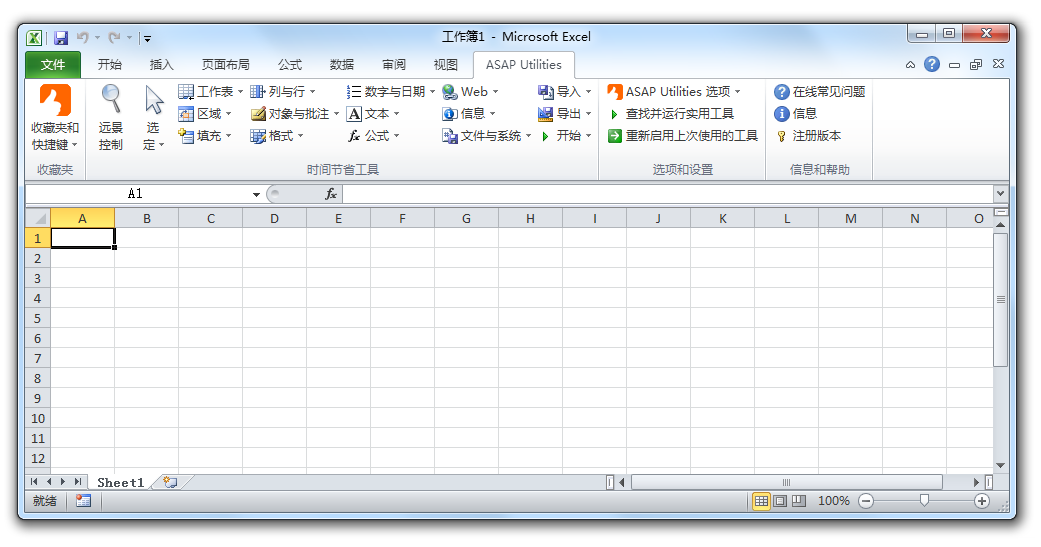
Russian / Русский
All the tools are now also available in the Russian language (Русский).
If you have the Russian version of Excel, then on a new installation ASAP Utilities starts in Russian.
You can also change the language in the options dialogue:
ASAP Utilities » ASAP Utilities Options » ASAP Utilities options and settings...
ASAP Utilities » Параметры ASAP Utilities » Параметры, язык и контактная информация...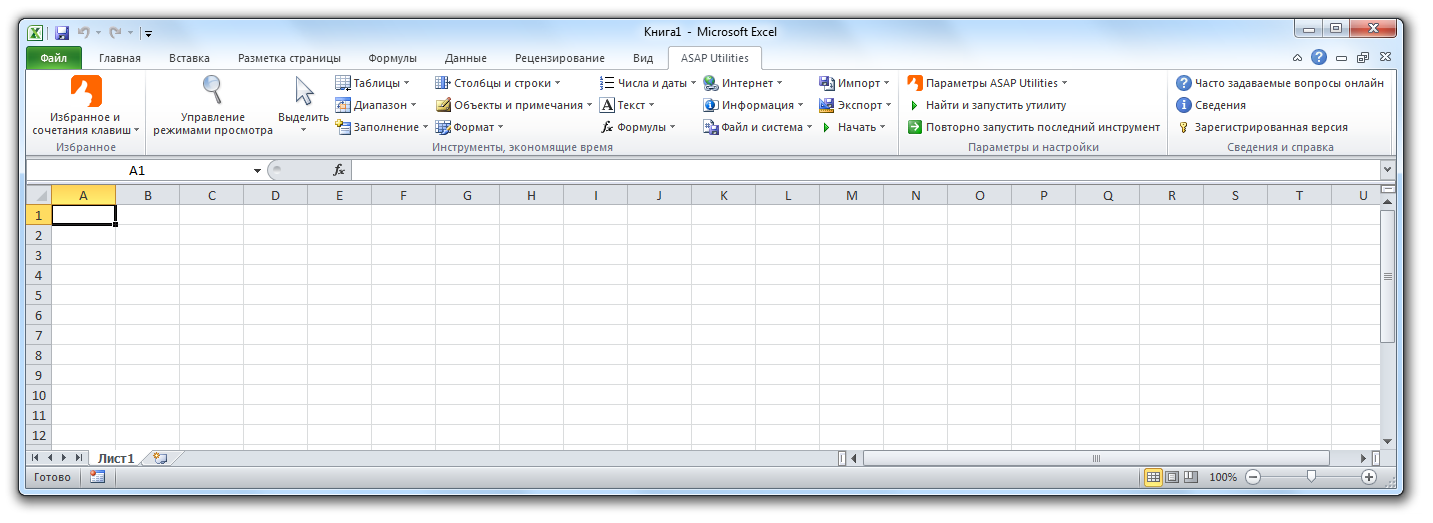
Portuguese (Brazil) / Português do Brasil
All the tools are now also available in the Portuguese language (Português do Brasil).
If you have the Portuguese version of Excel, then on a new installation ASAP Utilities starts in Portuguese
You can also change the language in the options dialogue:
ASAP Utilities » ASAP Utilities Options » ASAP Utilities options and settings...
ASAP Utilities » ASAP Utilities Opções » Definições, linguagem e informações de contato...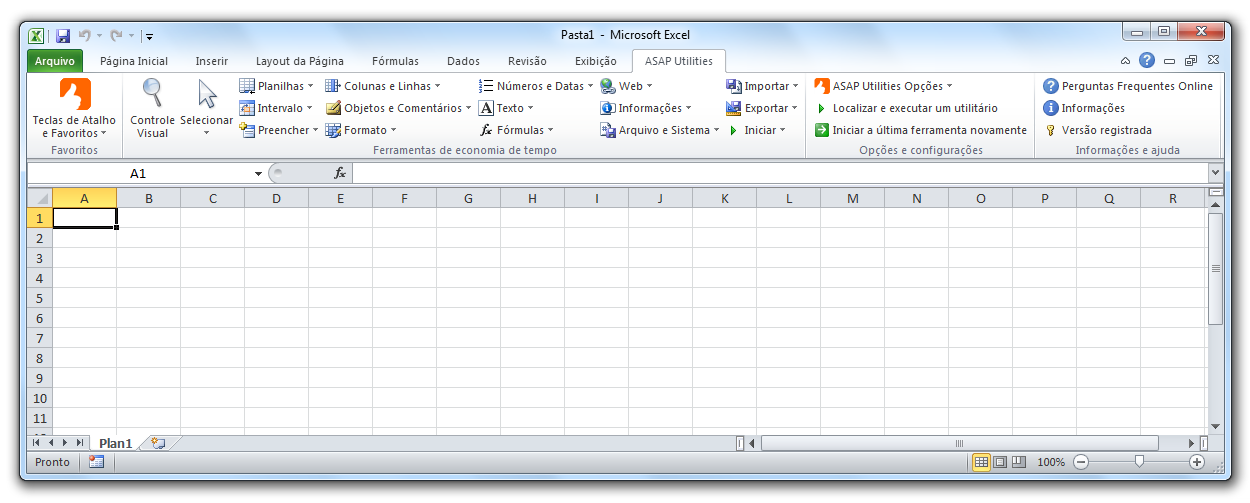
Italian /Italiano
All the tools are now also available in the Italian language (Italiano).
If you have the Italian version of Excel, then on a new installation ASAP Utilities starts in Italian.
You can also change the language in the options dialogue:
ASAP Utilities » ASAP Utilities Options » ASAP Utilities options and settings...
ASAP Utilities » Opzioni ASAP Utilities » Impostazioni, lingua e informazioni di contatto...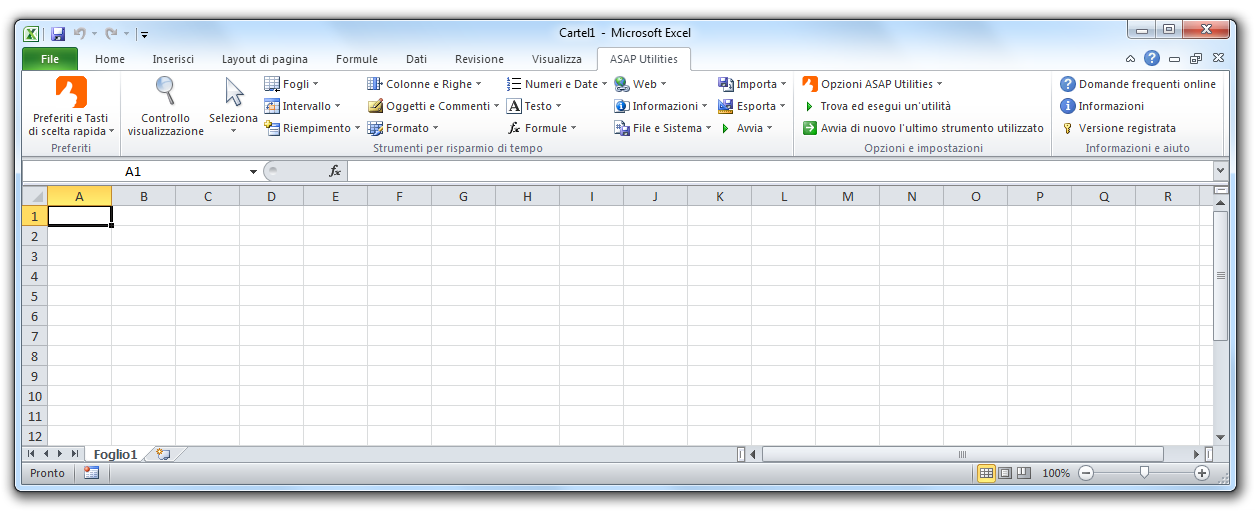
Japanese / 日本語
All the tools are now also available in the Japanese language (日本語).
If you have the Japanese version of Excel, then on a new installation ASAP Utilities starts in Japanese.
You can also change the language in the options dialogue:
ASAP Utilities » ASAP Utilities Options » ASAP Utilities options and settings...
ASAP Utilities » ASAP Utilities オプション » 設定、言語、連絡先情報...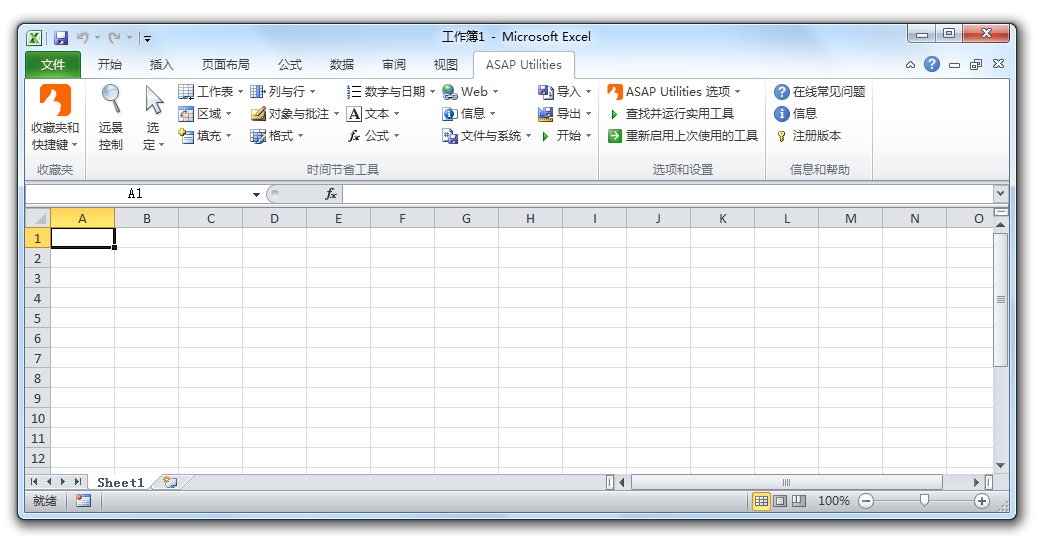
General
Several improvements compared to ASAP Utilities 5.6
Bug fixes
- A few small bug fixes