


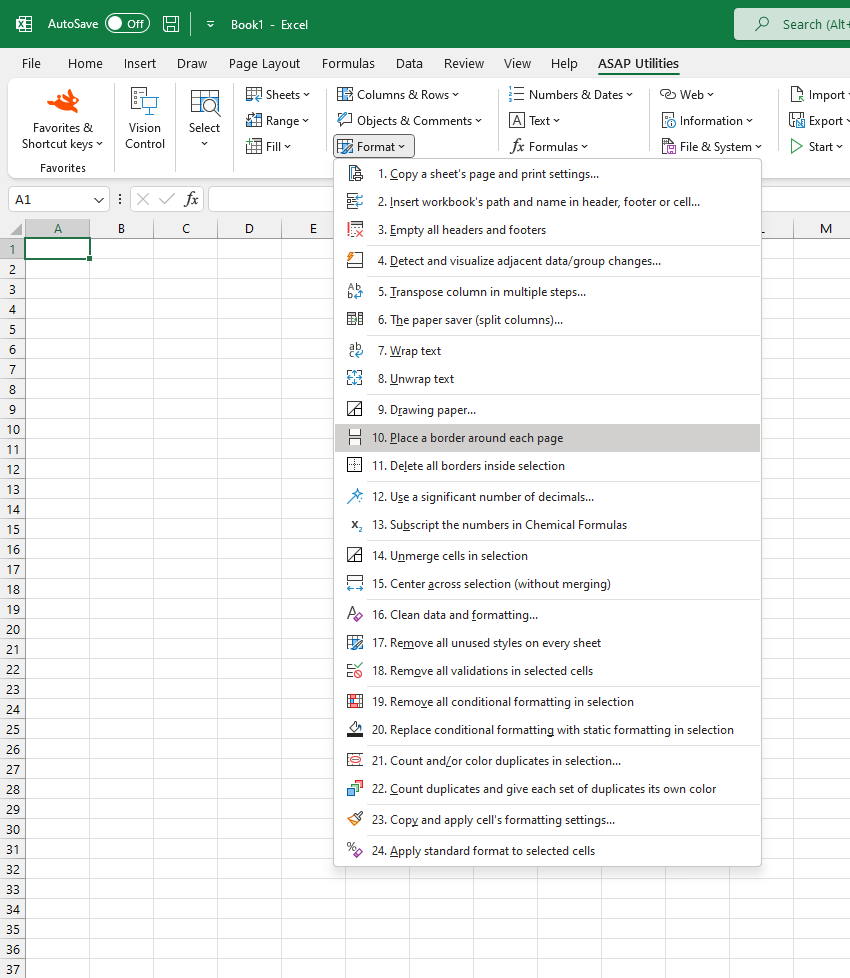
Add a Border Around the Data on Each Printed Page
This tool adds a visible border around the data on each printed page in your worksheet.
It helps visually separate pages when printing or exporting to PDF by outlining the area that fits on each printed page. It takes into account your current page setup, including print area, margins, scaling, and paper size. Headers and footers are not surrounded.
You can choose to remove all existing borders or keep them before applying the new page borders.
This is useful when:
- Printing or exporting multi-page worksheets
- Creating clearly separated handouts or reports
- Making it easier to review printed sheets with defined page boundaries
Note:
Excel does not have a built-in "Page Border" feature like Microsoft Word. This tool fills that gap, letting you easily outline each printed page without manual adjustments.
Starting this tool
Specify a Keyboard Shortcut: ASAP Utilities › My Tools & Shortcuts › Manage My Tools & Shortcuts...
Additional keywords to help you find this tool:
Add border to printed pages, Print page borders, Outline printed pages, Border around each printed page, Print layout border, Excel page border tool, Print area borders, How to add page borders in Excel, Add borders around print area, Draw border around each page, Print preview with borders, Auto border printed pages, Excel alternative to Word Page Border, Insert border around data per printed page, Export PDF with page borders, Page break borders, Border per printed page
Tip:Alt+P for the previous tool.
Tip: Alt+N for the next tool.

Save Time in Excel. The Easy Way.
ASAP Utilities helps you save time and do what Excel alone can't.
You can get started right away. No training needed.
Most users start with a few tools. Many end up using ASAP Utilities daily.
Used by teams in 28,500+ organizations.
Get Started with ASAP Utilities
Start saving time in Excel with practical tools you can use right away.
-
No sign-up required.
-
-
Free 90-day trial