


Remove Unused Styles from All Worksheets
Quickly remove unused cell styles across all worksheets in your workbook to reduce file size, improve performance, and prevent formatting errors.
Excel limits the number of unique formatting combinations in a workbook. If you encounter a "Too many different cell formats.", "Excel encountered an error and had to remove some formatting to avoid corrupting the workbook." or "Excel found unreadable content in the file" error; the workbook probably has exceeded this limit, often due to excessive or unnecessary styles.
This tool scans your workbook and removes all unused styles, helping to:
- Fix the "Too Many Different Cell Formats" error
- Speed up Excel and reduce file size
- Clean up formatting
Microsoft explains this issue further:
Too Many Different Cell Formats - Microsoft Support
https://learn.microsoft.com/en-us/office/troubleshoot/excel/too-many-different-cell-formats-in-excel
Starting this tool
Specify a Keyboard Shortcut: ASAP Utilities › My Tools & Shortcuts › Manage My Tools & Shortcuts...
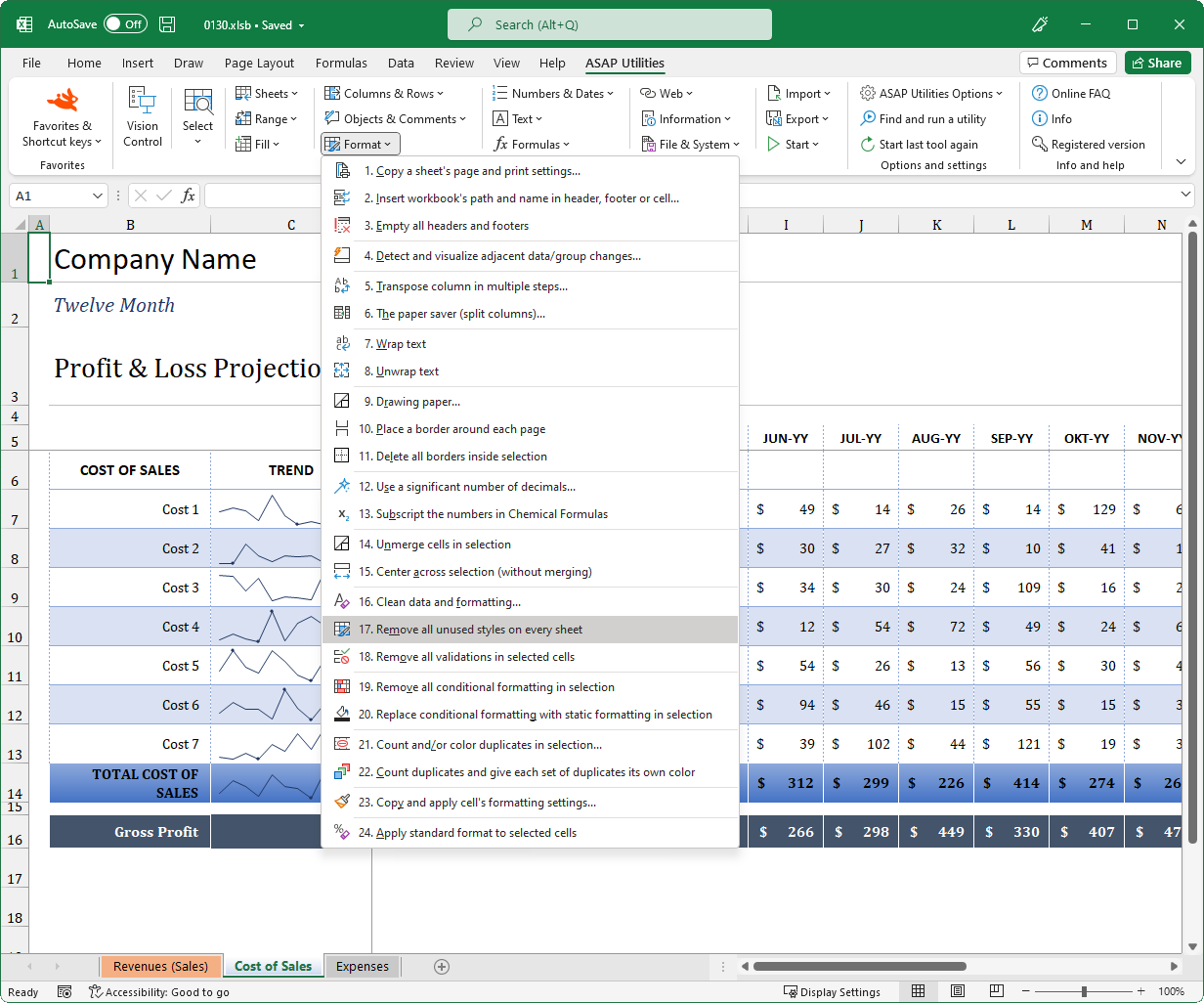
Example screenshot: 2 (Here's the English version.)
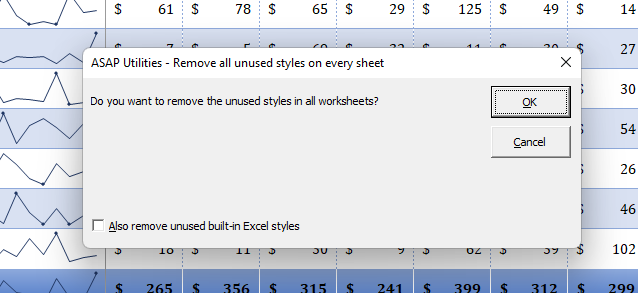
Example screenshot: 3 (Here's the English version.)
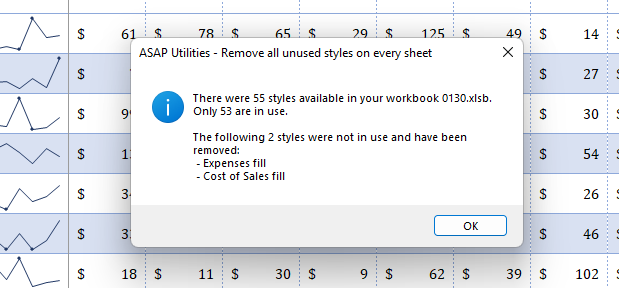
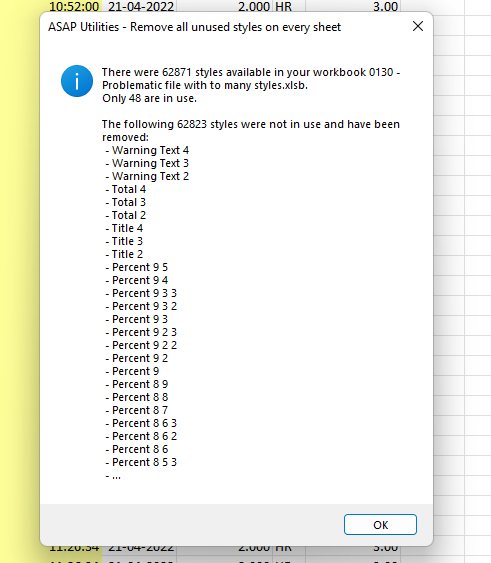
Example screenshot: 4 Cleaning up a workbook with a huge amount of unused styles (Here's the English version.)
Additional keywords to help you find this tool:
Delete unused cell styles in a workbook, Fix "Too Many Different Cell Formats" error, Remove excessive formatting, Clear unused styles from all worksheets, Reduce Excel file size by removing styles, Excel formatting limit exceeded, Fix unreadable content error in Excel, Remove corrupt styles from an Excel file, Excel slow due to too many styles, How do I remove unused styles in Excel?, Can too many styles slow down Excel?, How do I reduce my Excel file size by cleaning up styles?
Tip:Alt+P for the previous tool.
Tip: Alt+N for the next tool.

Save Time in Excel. The Easy Way.
ASAP Utilities helps you save time and do what Excel alone can't.
You can get started right away. No training needed.
Most users start with a few tools. Many end up using ASAP Utilities daily.
Used by teams in 28,500+ organizations.
Get Started with ASAP Utilities
Start saving time in Excel with practical tools you can use right away.
-
No sign-up required.
-
-
Free 90-day trial