


Delete All Form Buttons in Selected Worksheet(s)
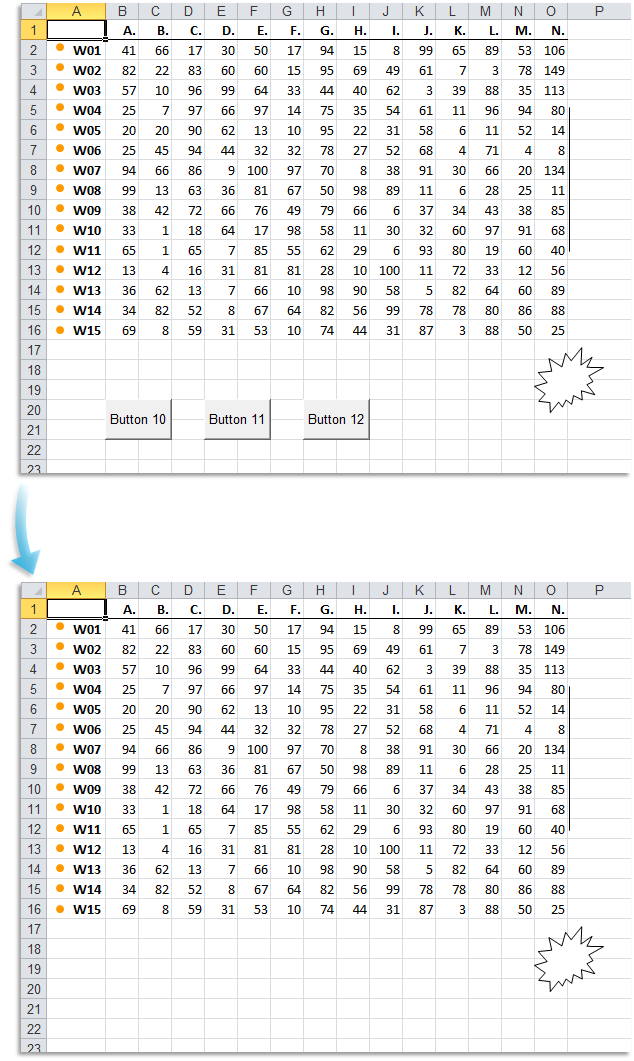
This tool removes all button controls created using Excel's Forms toolbar from the selected worksheet(s).
It deletes:
- Form buttons assigned to macros
- Unused or leftover form buttons
- Buttons inserted using Excel's Form Controls
This is useful when cleaning up dashboards, removing outdated navigation elements, or resetting worksheets before sharing or reusing templates.
Note:
This tool removes only Form Control Buttons (not ActiveX buttons or shape-based buttons).
Starting this tool
Specify a Keyboard Shortcut: ASAP Utilities › My Tools & Shortcuts › Manage My Tools & Shortcuts...
Additional keywords to help you find this tool:
Remove form control buttons, Clear all form buttons, Delete macro buttons, Remove buttons from worksheet, Delete buttons in selected sheets, Delete form controls, Remove leftover buttons, Clean up form controls, Delete form toolbar buttons, Remove old form buttons, Bulk delete form buttons, Delete all buttons in sheet, Remove Excel macro buttons, Clear dashboard buttons
Tip:Alt+P for the previous tool.
Tip: Alt+N for the next tool.

Save Time in Excel. The Easy Way.
ASAP Utilities helps you save time and do what Excel alone can't.
You can get started right away. No training needed.
Most users start with a few tools. Many end up using ASAP Utilities daily.
Used by teams in 28,500+ organizations.
Get Started with ASAP Utilities
Start saving time in Excel with practical tools you can use right away.
-
No sign-up required.
-
-
Free 90-day trial