


Reopen Current File Without Saving Changes
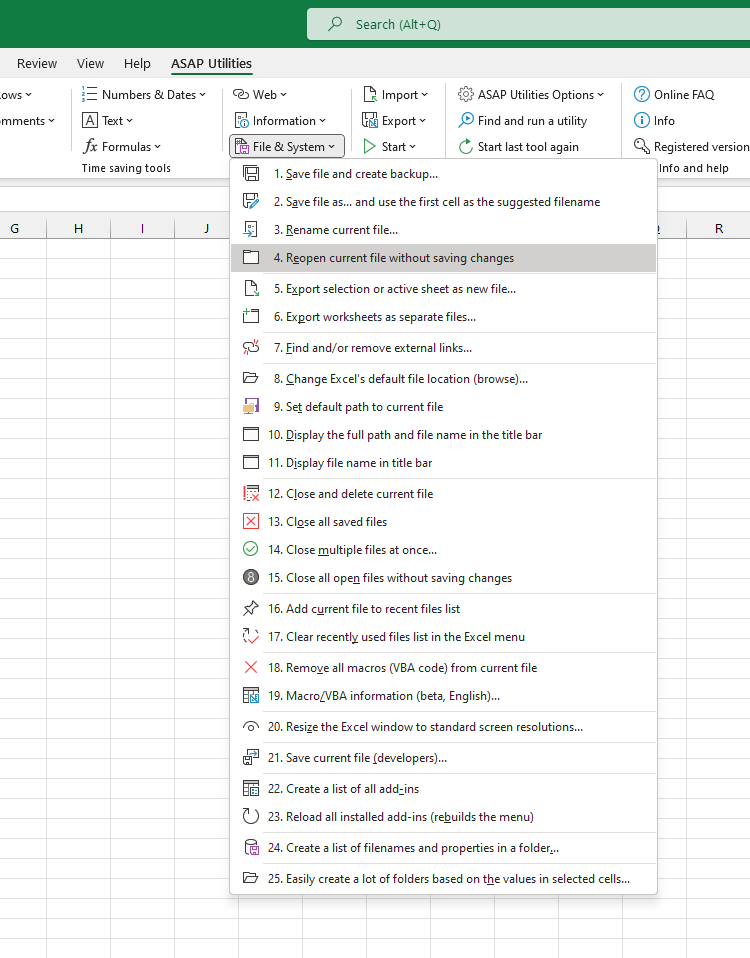
This tool lets you quickly reopen your current workbook without saving any of the changes you made.
It's a fast and easy way to revert to the last saved version of your file, without closing the file manually or using Undo multiple times.
This is useful when you want to:
- Undo all changes made since your last save
- Revert to the clean, saved version of your file
- Discard temporary or accidental changes
- Start again without saving mistakes
The tool closes your current file (without saving) and immediately reopens the last saved version, so you can continue working from there.
Starting this tool
Specify a Keyboard Shortcut: ASAP Utilities › My Tools & Shortcuts › Manage My Tools & Shortcuts...
Additional keywords to help you find this tool:
discard changes, undo all changes, reload file, revert to saved version, reopen without saving, restore last saved file, undo edits, reopen workbook, reload Excel file, revert changes, undo mistakes, reload without saving, reopen current workbook, revert Excel file, start over without saving, discard unsaved changes, reload last saved version, reset workbook, reopen file without saving, Excel undo all changes
Tip:Alt+P for the previous tool.
Tip: Alt+N for the next tool.

Save Time in Excel. The Easy Way.
ASAP Utilities helps you save time and do what Excel alone can't.
You can get started right away. No training needed.
Most users start with a few tools. Many end up using ASAP Utilities daily.
Used by teams in 28,500+ organizations.
Get Started with ASAP Utilities
Start saving time in Excel with practical tools you can use right away.
-
No sign-up required.
-
-
Free 90-day trial