


Select Cells Containing the Highest Value
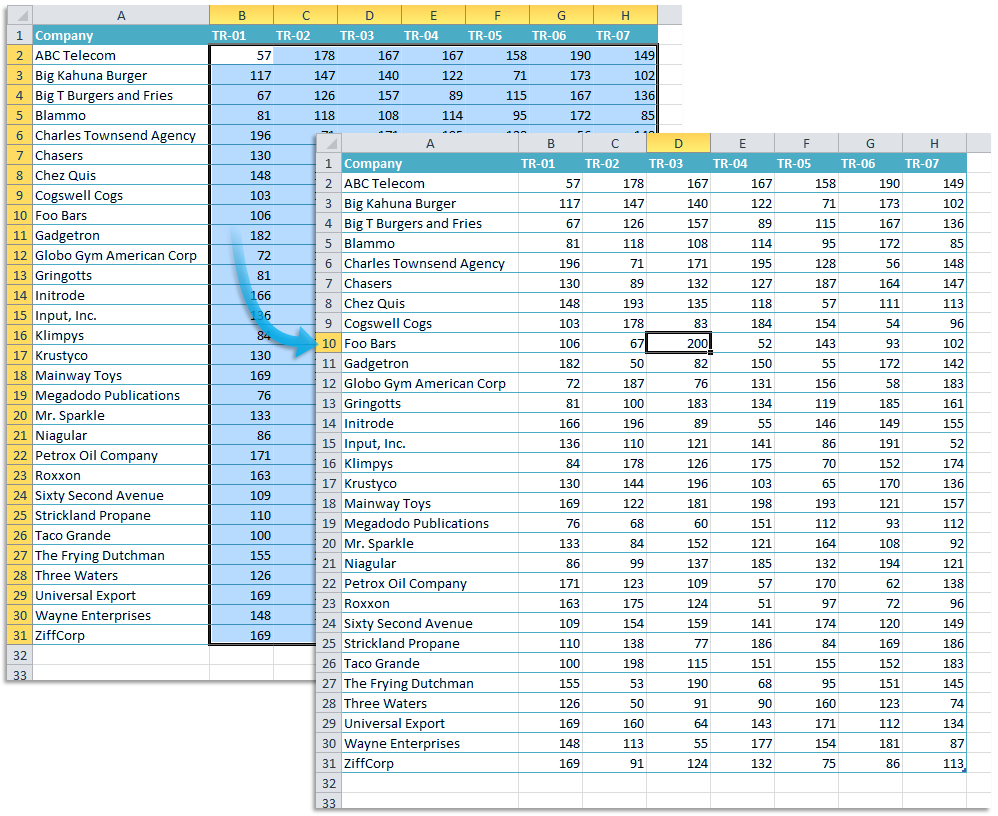
Quickly find and select all cells that contain the highest value in your selection or across the entire worksheet.
- If multiple cells are selected, the tool finds and selects the cells with the highest value within your selection.
- If only one cell is selected, it scans the entire worksheet and selects all cells of the highest value.
This tool uses Excel's =MAX() function to identify the largest number and select every matching cell.
Starting this tool
Specify a Keyboard Shortcut: ASAP Utilities › My Tools & Shortcuts › Manage My Tools & Shortcuts...
Additional keywords to help you find this tool:
Find highest value in Excel, Select largest number, Highlight maximum value, Find and select highest value, Identify largest number in a range, Select all cells with the highest value, Find and highlight the largest value, How to locate the largest value in a range
Tip:Alt+P for the previous tool.
Tip: Alt+N for the next tool.

Save Time in Excel. The Easy Way.
ASAP Utilities helps you save time and do what Excel alone can't.
You can get started right away. No training needed.
Most users start with a few tools. Many end up using ASAP Utilities daily.
Used by teams in 28,500+ organizations.
Get Started with ASAP Utilities
Start saving time in Excel with practical tools you can use right away.
-
No sign-up required.
-
-
Free 90-day trial