
“We make you the company's Excel guru!”
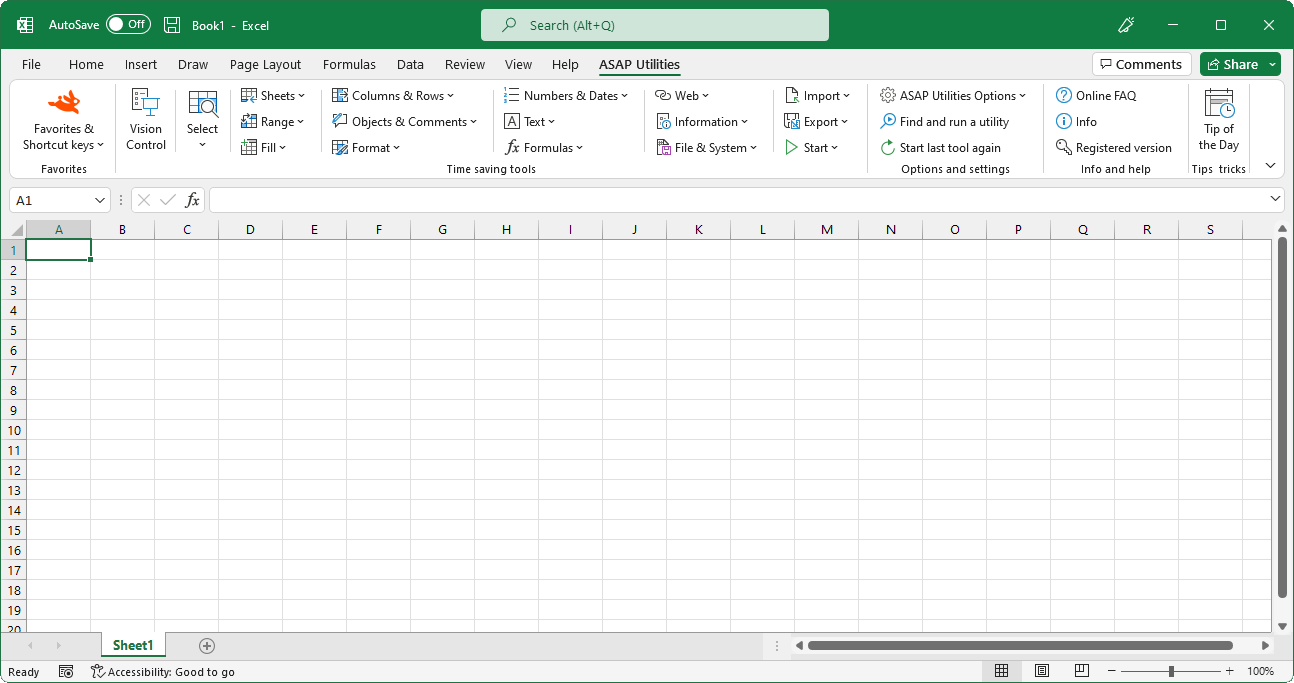
How to install ASAP Utilities
First time installation
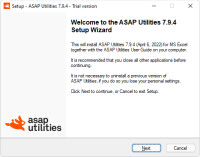 Installation is as easy as to follow the steps presented to you when you run the ASAP Utilities setup. During the setup you can specify the location where you want to install the files. ASAP Utilities does not require your computer to restart at the end of the installation.
Upgrading
Upgrading to the latest version is simple, just install the latest version over your existing version. Do not uninstall ASAP Utilities before installing the new version, otherwise you will lose information such as your favorites menu and license key.System Requirements
ASAP Utilities 8 works with the Windows editions of:- Excel 365 Desktop (both 32 bit and 64-bit)
- Excel 2021 (both 32 bit and 64-bit)
- Excel 2019 (both 32 bit and 64-bit)
- Excel 2016 (both 32 bit and 64-bit)
- Excel 2013 (both 32 bit and 64-bit)
- Excel 2010 (both 32 bit and 64-bit)
In 2022, the oldest version of Excel that Microsoft still updates with security patches is Excel 2013.
Detailed ASAP Utilities system requirements
Network installation, detailed extensive information
Detailed information about network installations can be found in "Appendix 1: Technical information about the setup" in the ASAP Utilities User Guide. There you can also find what changes ASAP Utilities makes to the registry and where it stores its settings.
©1999-2024 ∙ ASAP Utilities ∙ A Must in Every Office BV ∙ The Netherlands
Empowering Excel Users Worldwide for 25 Years
Empowering Excel Users Worldwide for 25 Years