
“The right tools increase efficiency!”
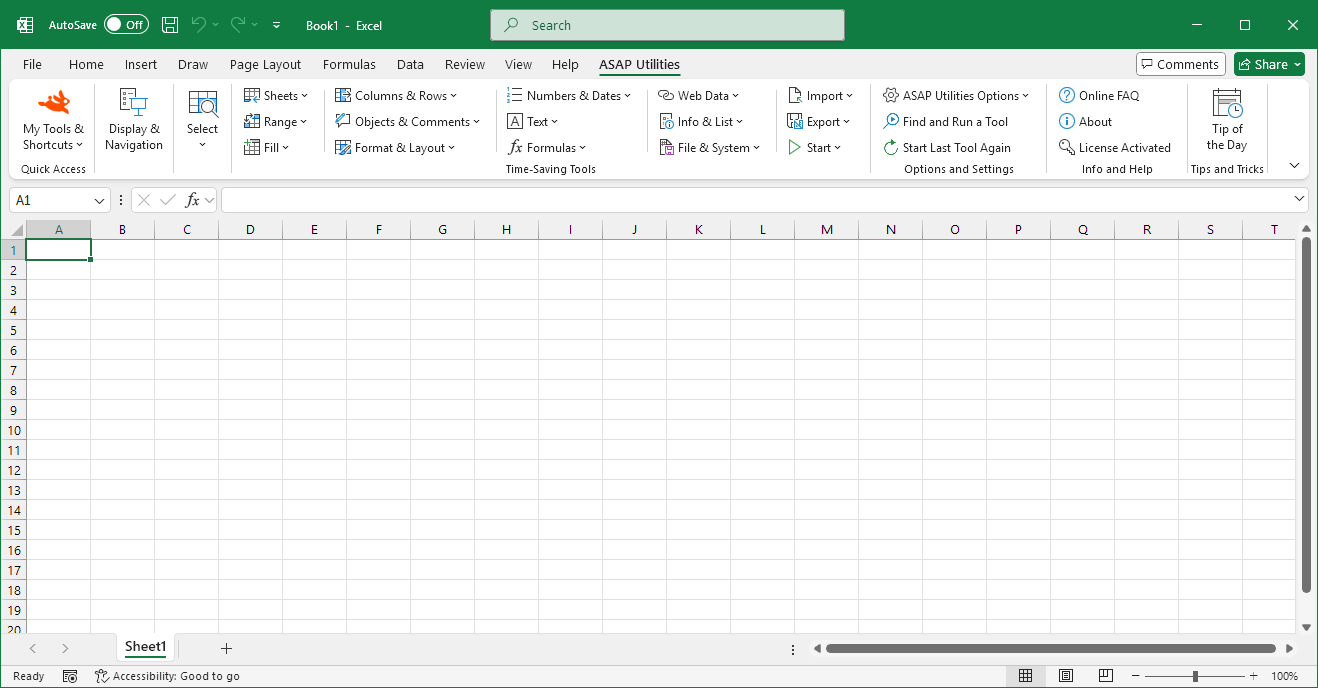
Upgrade to the latest version
Important
Upgrade
Upgrading to the latest version of ASAP Utilities is a simple two-step process:Step 1. Download ASAP Utilities
Click here to visit the download pageLicensed users have been provided with a special download link.
If you have a license, then you can download the latest version here.
Step 2. Install the new version right over your old one
To upgrade to a newer version of ASAP Utilities, just install a new copy of ASAP Utilities right over your old one.The installation is an easy step-by-step process that speaks for itself.
If you want view it, we have created a step-by-step tutorial for the installation with screenshots and this information is also described in the User Guide in chapter 3.
History of Changes
Go to the version history of ASAP Utilities to view all new features, updates, and fixes.
©1999-2026 ∙ ASAP Utilities ∙ A Must in Every Office BV ∙ The Netherlands
🏆 Winner of the "Best Microsoft Excel Add-in" Award at the Global Excel Summit 2025 in London!
For over 26 years, ASAP Utilities has helped users worldwide save time and do what Excel alone cannot.
🏆 Winner of the "Best Microsoft Excel Add-in" Award at the Global Excel Summit 2025 in London!
For over 26 years, ASAP Utilities has helped users worldwide save time and do what Excel alone cannot.