
The ASAP Utilities menu in Excel (English)
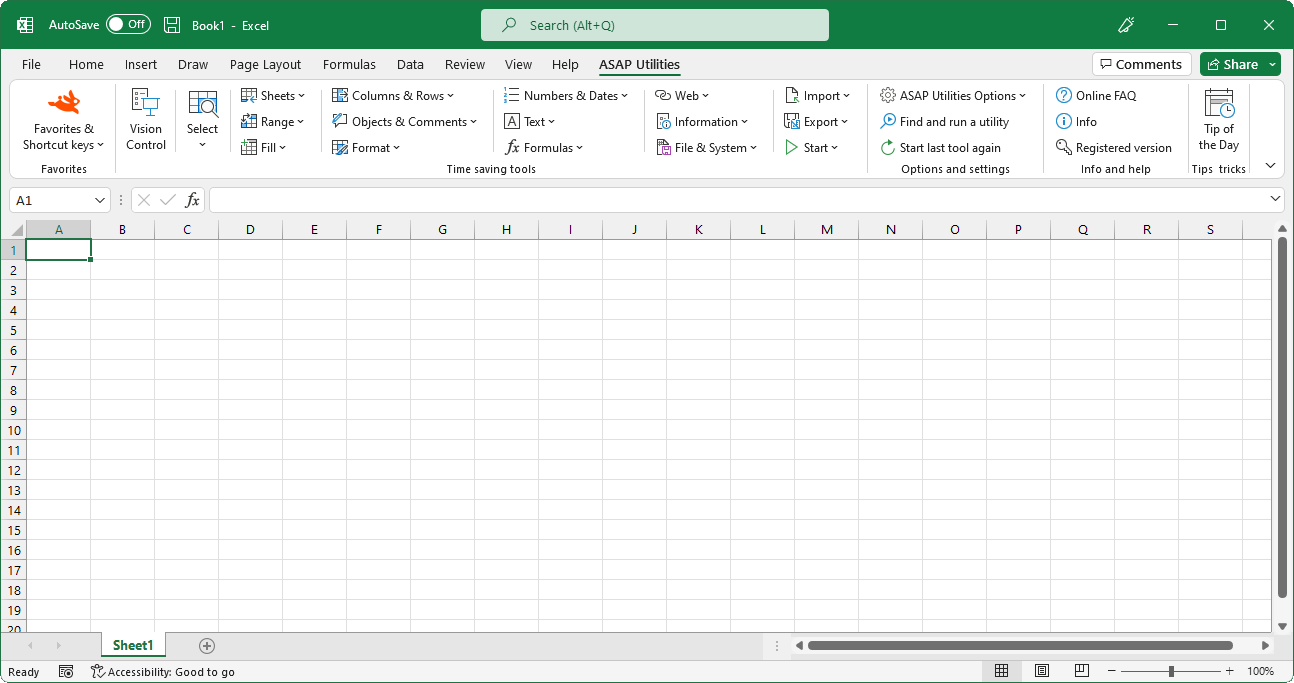
“Format” tools added to Excel
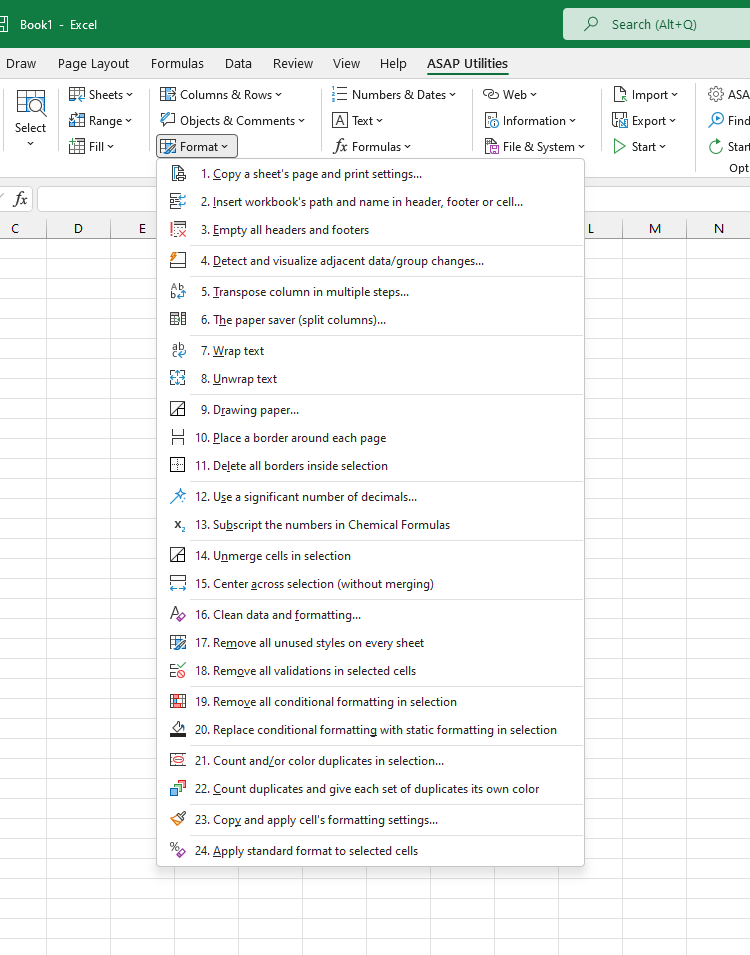
English (us) ⁄ Nederlands ⁄ Deutsch ⁄ Español ⁄ Français ⁄ Português do Brasil ⁄ Italiano ⁄ Русский ⁄ 中文(简体) ⁄ 日本語In the Excel menu choose: ASAP Utilities › Format
A collection of tools for formatting for data, copy formatting settings etc..- Copy a sheet's page and print settings...
- Insert workbook's path and name in header, footer or cell...
- Empty all headers and footers
- Detect and visualize adjacent data/group changes...
- Transpose column in multiple steps...
- The paper saver (split columns)...
- Wrap text
- Unwrap text
- Drawing paper...
- Place a border around each page
- Delete all borders inside selection
- Use a significant number of decimals...
- Subscript the numbers in Chemical Formulas
- Unmerge cells in selection
- Center across selection (without merging)
- Clean data and formatting...
- Remove all unused styles on every sheet
- Remove all data validations in selected cells
- Remove all conditional formatting in selection
- Replace conditional formatting with static formatting in selection
- Count and/or color duplicates in selection...
- Count duplicates and give each set of duplicates its own color
- Copy and apply cell's formatting settings...
- Apply standard format to selected cells
Submenu screenshot
Excel with ASAP Utilities in its menu
« Return to the list of tools.
©1999-2024 ∙ ASAP Utilities ∙ A Must in Every Office BV ∙ The Netherlands
Empowering Excel Users Worldwide for 25 Years
Empowering Excel Users Worldwide for 25 Years