
Ready to Get Started?
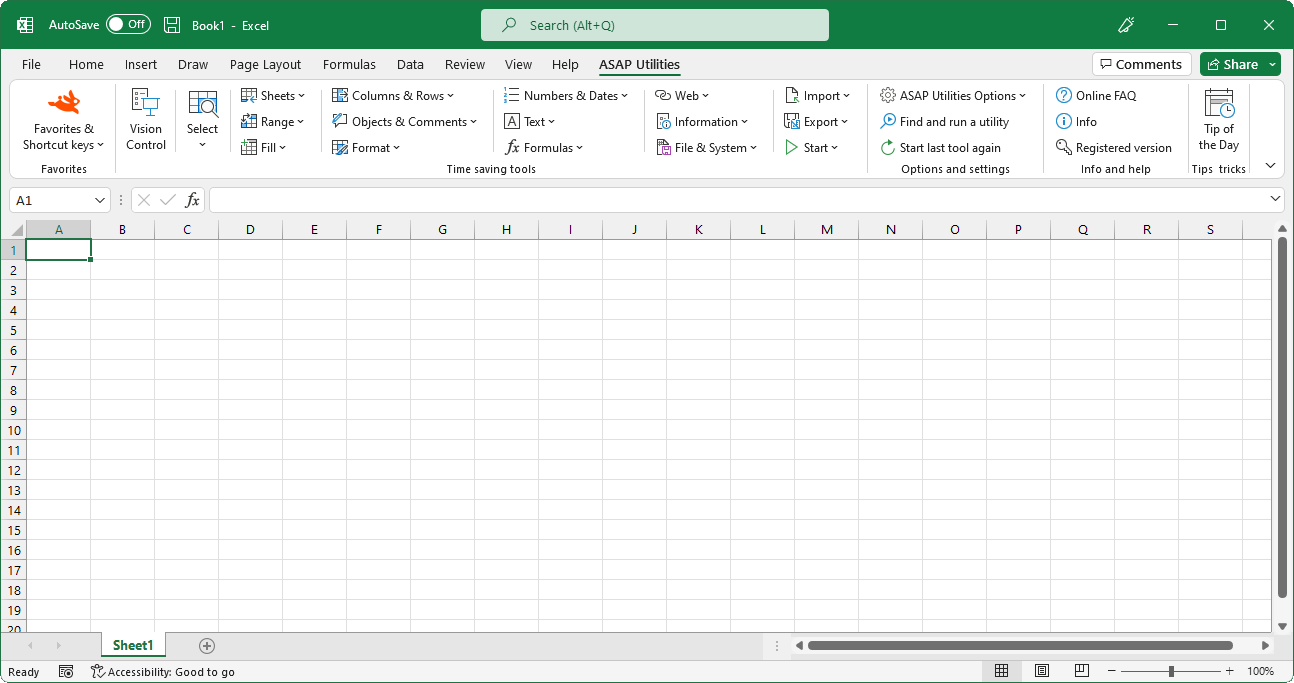
Which version of Excel do I have?
Information about your Excel version
In Excel menu go to the "Help" menu and then click on "About Microsoft Excel". (If you do not see this option in the menu you are probably using Excel 2007 or 2010.)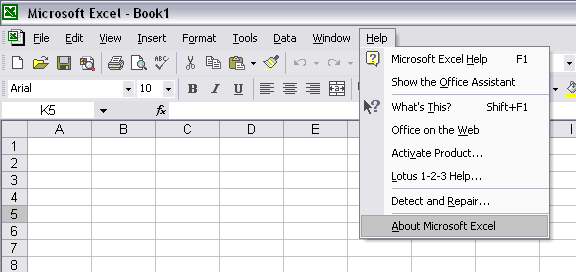
When you click on "About Microsoft Excel" you will see some information on your Excel version with at the top the version number.
In this example the version is Excel 2003:

In this example the version is Excel 2002 with service pack (SP) 3 installed:

In this example the version is Excel 2000 with service release (SR) 1 installed:

Excel 2007/2010
If the Excel menu looks similar like the following you are using Excel 2007 or 2010. The menu is now called "ribbon" by Microsoft.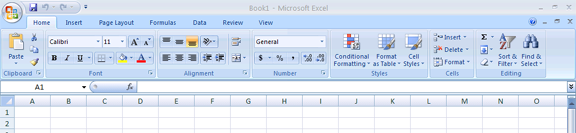
To find the version information you need to:
Click on the Office-logo or "File" at the top-left, then click on the "Excel options" button, then choose "Resources" in the left menu and then click on the "About" button.

©1999-2024 ∙ ASAP Utilities ∙ A Must in Every Office BV ∙ The Netherlands
Empowering Excel Users Worldwide for 25 Years
Empowering Excel Users Worldwide for 25 Years