
Easy, fast and reliable
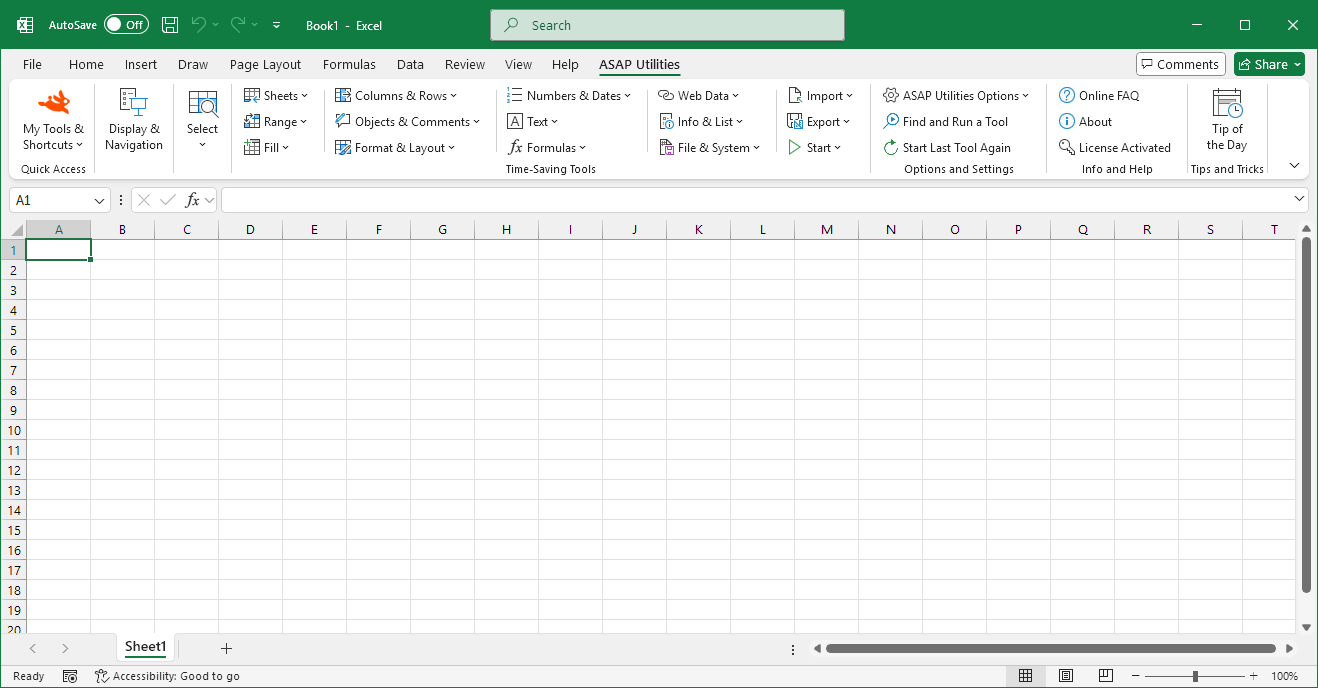
Does ASAP Utilities work with the new Excel 2016 and Windows 10? (Yes)
May 4, 2015Yes, ASAP Utilities works with Excel 2016 and Windows 10.
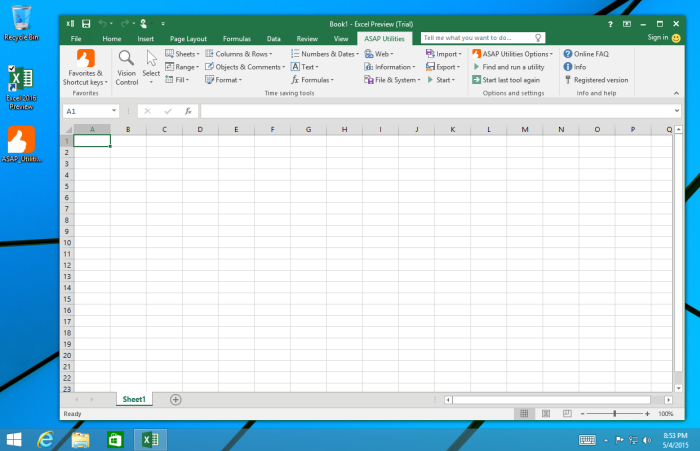
Screenshot of ASAP Utilities 5.5.1 with the new Office 2016 Preview on Windows 8.1
If you install Office 2016 after ASAP Utilities has already been installed
The setup automatically adds ASAP Utilities to the Excel menu. However, that only applies to existing Excel versions on your computer.If you install another Excel version after ASAP Utilities has already been installed, then you won't see it automatically in the menu of the new Excel version. But it is easy to add it to the menu.
« back
©1999-2026 ∙ ASAP Utilities ∙ A Must in Every Office BV ∙ The Netherlands
🏆 Winner of the "Best Microsoft Excel Add-in" Award at the Global Excel Summit 2025 in London!
For over 26 years, ASAP Utilities has helped users worldwide save time and do what Excel alone cannot.
🏆 Winner of the "Best Microsoft Excel Add-in" Award at the Global Excel Summit 2025 in London!
For over 26 years, ASAP Utilities has helped users worldwide save time and do what Excel alone cannot.