
Das ASAP Utilities-Menü in Excel (Deutsch (German))
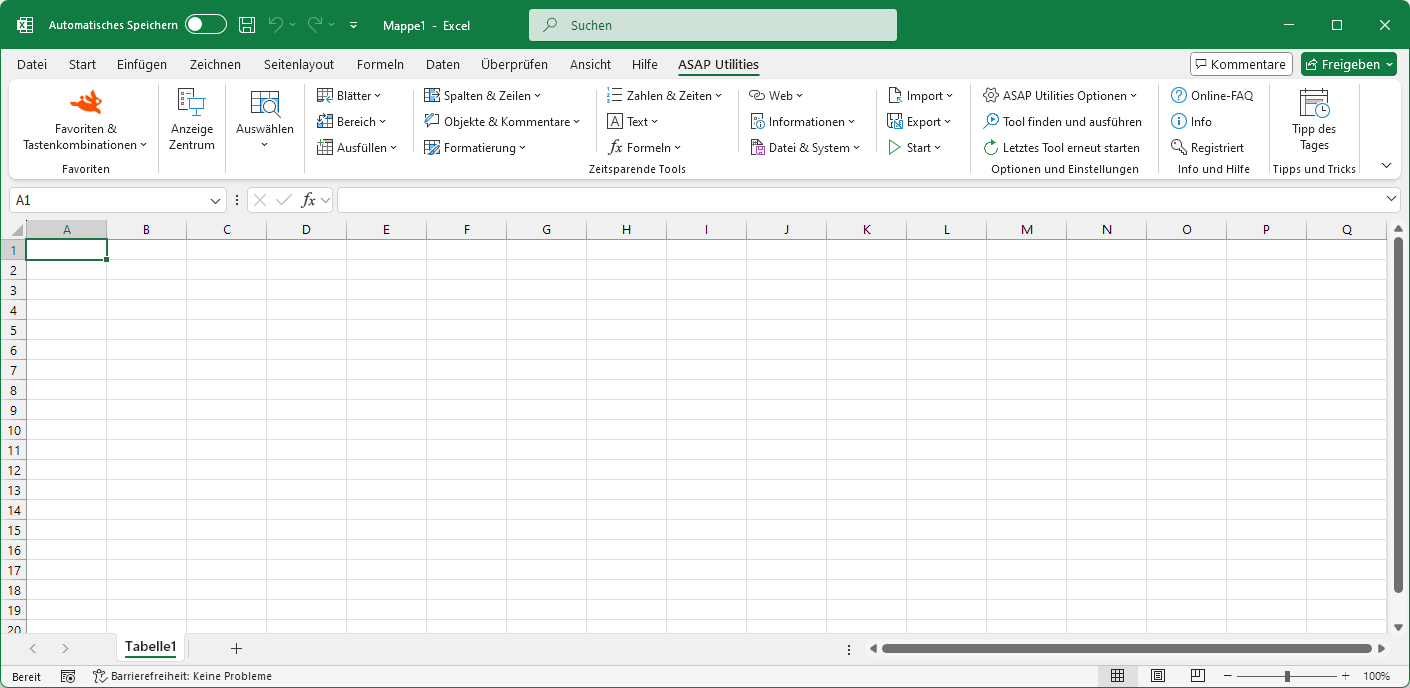
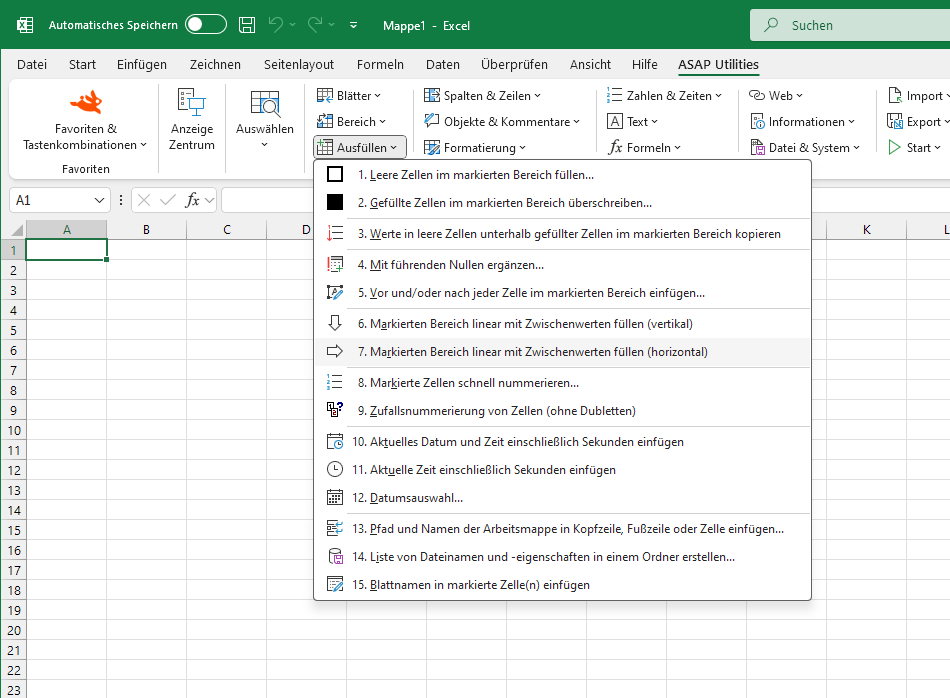
Markierten Bereich linear mit Zwischenwerten füllen (horizontal)
ASAP Utilities › Ausfüllen › 7. Markierten Bereich linear mit Zwischenwerten füllen (horizontal)Dieses Tool füllt den markierten Bereich mit einer Reihe, die auf den Werten in den Zellen im markierten Bereich basiert.
Es trägt eine Reihe in jede Zeile innerhalb des markierten Bereichs ein.
Dazu verwendet es die Excel-Option 'Ausfüllen' mit den folgenden Einstellungen:
Reihe in: Zeilen
Trend: Ja
Typ: Linear
Starten des Tools
- Klicken Sie auf ASAP Utilities › Ausfüllen › 7. Markierten Bereich linear mit Zwischenwerten füllen (horizontal)
- Tastenkombination angeben: ASAP Utilities › Favoriten & Tastenkombinationen › Bevorzugte Tools und Tastenkombinationen bearbeiten...
Wählen Sie unten Ihre bevorzugte Sprache aus
English (us) ⁄ Nederlands ⁄ Deutsch ⁄ Español ⁄ Français ⁄ Português do Brasil ⁄ Italiano ⁄ Русский ⁄ 中文(简体) ⁄ 日本語
| Markierten Bereich linear mit Zwischenwerten füllen (vertikal) |
©1999-2026 ∙ ASAP Utilities ∙ A Must in Every Office BV ∙ The Netherlands
🏆 Winner of the "Best Microsoft Excel Add-in" Award at the Global Excel Summit 2025 in London!
For over 26 years, ASAP Utilities has helped users worldwide save time and do what Excel alone cannot.
🏆 Winner of the "Best Microsoft Excel Add-in" Award at the Global Excel Summit 2025 in London!
For over 26 years, ASAP Utilities has helped users worldwide save time and do what Excel alone cannot.